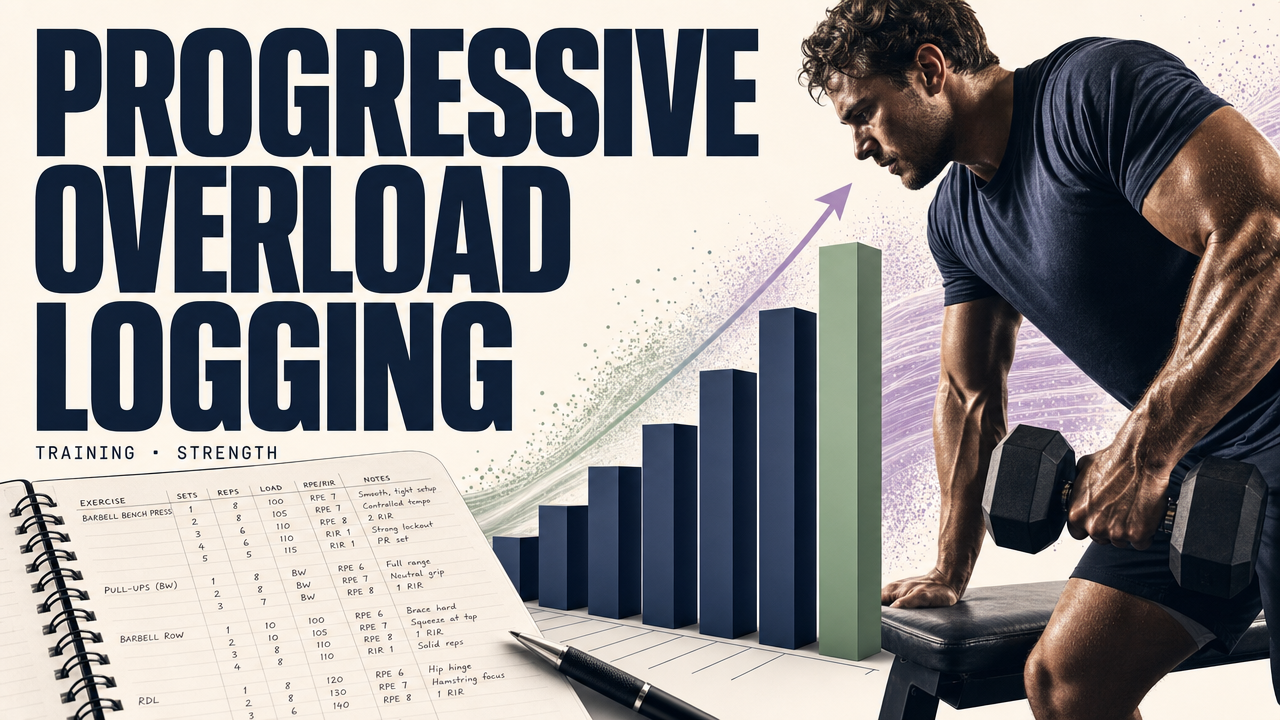
progressive overload logging
v1by FitnessGrid
Implement evidence-based workout logging using volume load tracking, RPE/RIR autoregulation, and technical notes.
Get an AI coach that uses this skill
FitnessGrid is an AI coach that plans your week and adapts as you go. Install progressive overload logging and your coach will follow this protocol every week, learn from what you actually do, and adjust on the fly.
- Your coach builds the week from this skill
- Adapts to your actual progress, not a static template
- Free to start — no credit card, ~60 seconds to set up
Procedure
-
Retrieve Historical Context: Use
get_user_historyoranalyze_training_historyto identify previous performance for the specific exercises the user is performing to establish a baseline for Load, Sets, and Reps. -
Record Quantitative Data: For every resistance training movement, use
add_exerciseto log the core variables:- Load: The weight used.
- Volume: The specific count of sets and repetitions.
- Exercise Order: Ensure exercises are logged in the sequence performed to account for fatigue carry-over.
-
Apply Autoregulation (RPE/RIR):
- Prompt the user for their Intensity of Effort for each set (Rating of Perceived Exertion or Repetitions in Reserve).
- Log these values in the exercise comments or notes to distinguish "hard sets" (0–3 RIR) from "junk volume."
- If a user reports an RPE of 8 or lower for all sets at a specific load, signal that a load increase is appropriate for the next session.
-
Capture Technical Constraints: Use
create_noteto record qualitative factors that impact mechanical tension:- Range of Motion (ROM): Note if the full range was achieved.
- Tempo: Note the speed of the eccentric and concentric phases.
- Readiness: Note any "tweaks" or daily fluctuations in physical state that influenced the session.
-
Calculate Progressive Metrics:
- Use
compute_one_rep_maxto estimate strength trends. - Calculate Volume Load (Tonnage) by multiplying Sets × Reps × Load.
- Note: Remind the user that Tonnage is a baseline indicator and should not be increased at the expense of technical execution or by adding low-intensity repetitions.
- Use
-
Evaluate for Progression:
- Review the number of "hard sets" performed.
- If progress stalls, use
get_insightsto determine if the user is increasing volume (more reps/sets) or intensity (more load) effectively. - Advise adjustments based on the goal: increasing load for strength or increasing volume/effort for hypertrophy.


